Set up your kit in three steps
Mount the loom, upload a photo, and start threading. The app guides you from there.

Mount your loom

Upload a photo to generate your guide

Start threading with confidence
Getting started
Follow these steps in order for the smoothest experience.
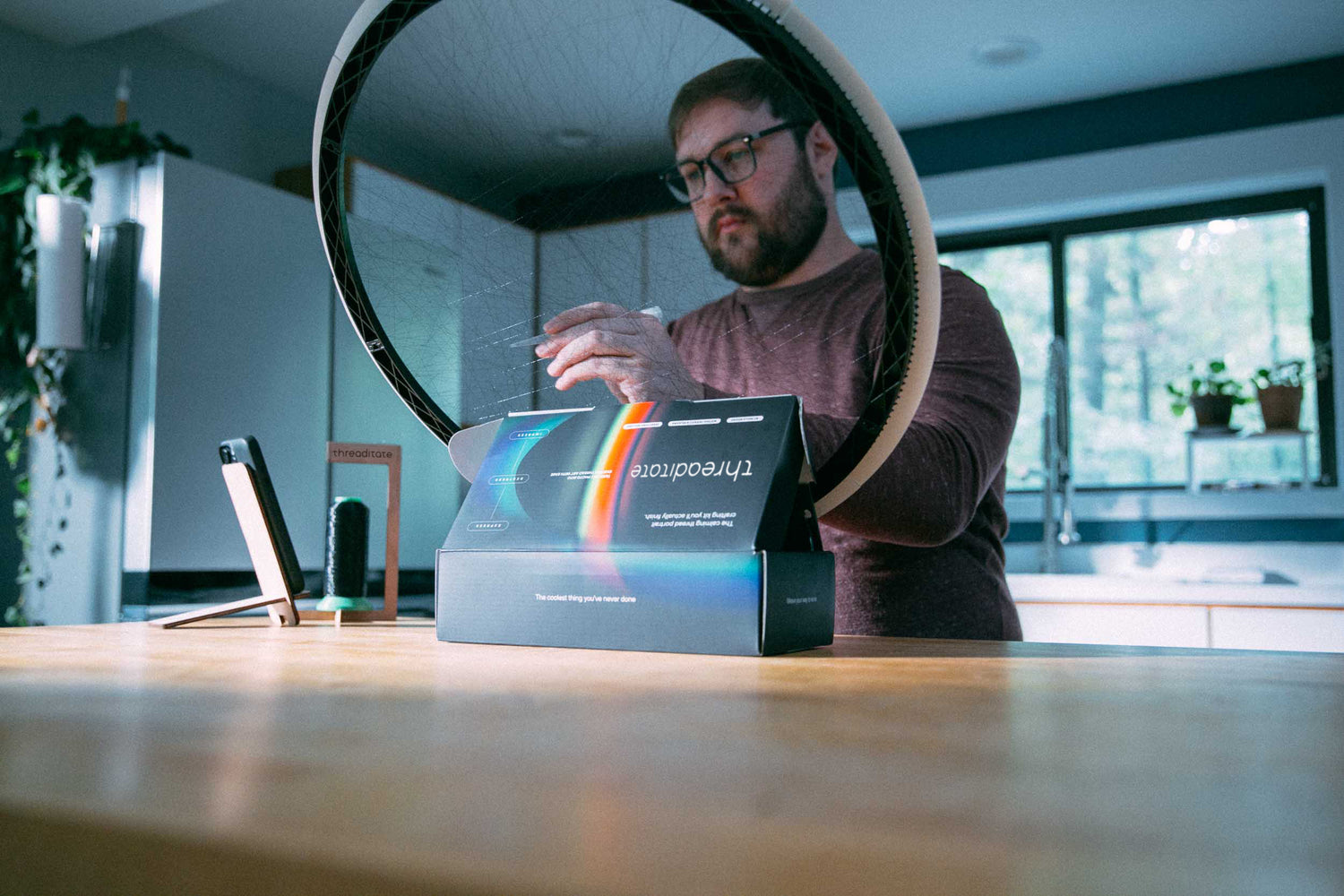
Mount your loom
Snap the interlocking pieces together to form your loom.
We recommend mounting to a wall just below eye level for the best stability, ergonomics, and ease of use. You can also turn the box into an easel for a seated experience.
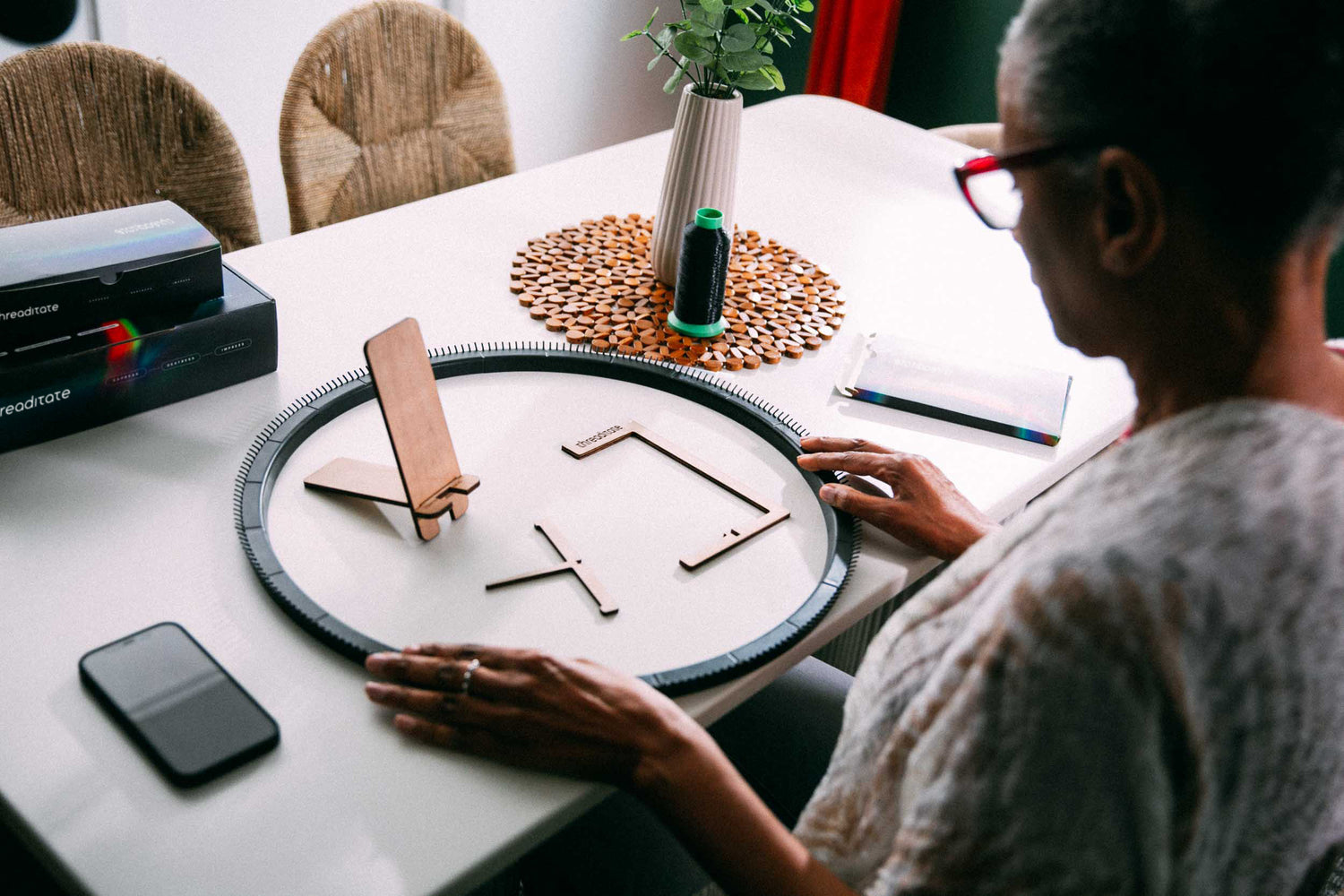
Prepare your workspace
Attach the paper number guide, aligning the tall pin at the top with pin 0, then attaching the rest.
Set up the phone and spool holders. Feed thread through the spool holder's eye hole, then through the wide end of the wand, then insert foam plug. Tie thread to loom anywhere with a Fisherman's Knot.

Upload your photo
Upload your image in the app to generate a custom threading guide.
Select photos to try by following the Tips Guide. Zoom in! Now zoom in more! After uploading many photos, you will develop an eye for what images make for great string art. Optimize and choose line count/ detail level. Every 500 lines takes under an hour. 3500-4000 lines look best in our opinion.

Set your phone down and begin
The app speaks and shows the next step, then continues at your pace. It starts at 10-second intervals. Speed up as your skill improves, then slow it down a few clicks to switch from focus mode to relax mode.
Mistakes don't matter, they all disappear behind the other steps. Line after line, this craft is forgiving. No craftsmanship needed.
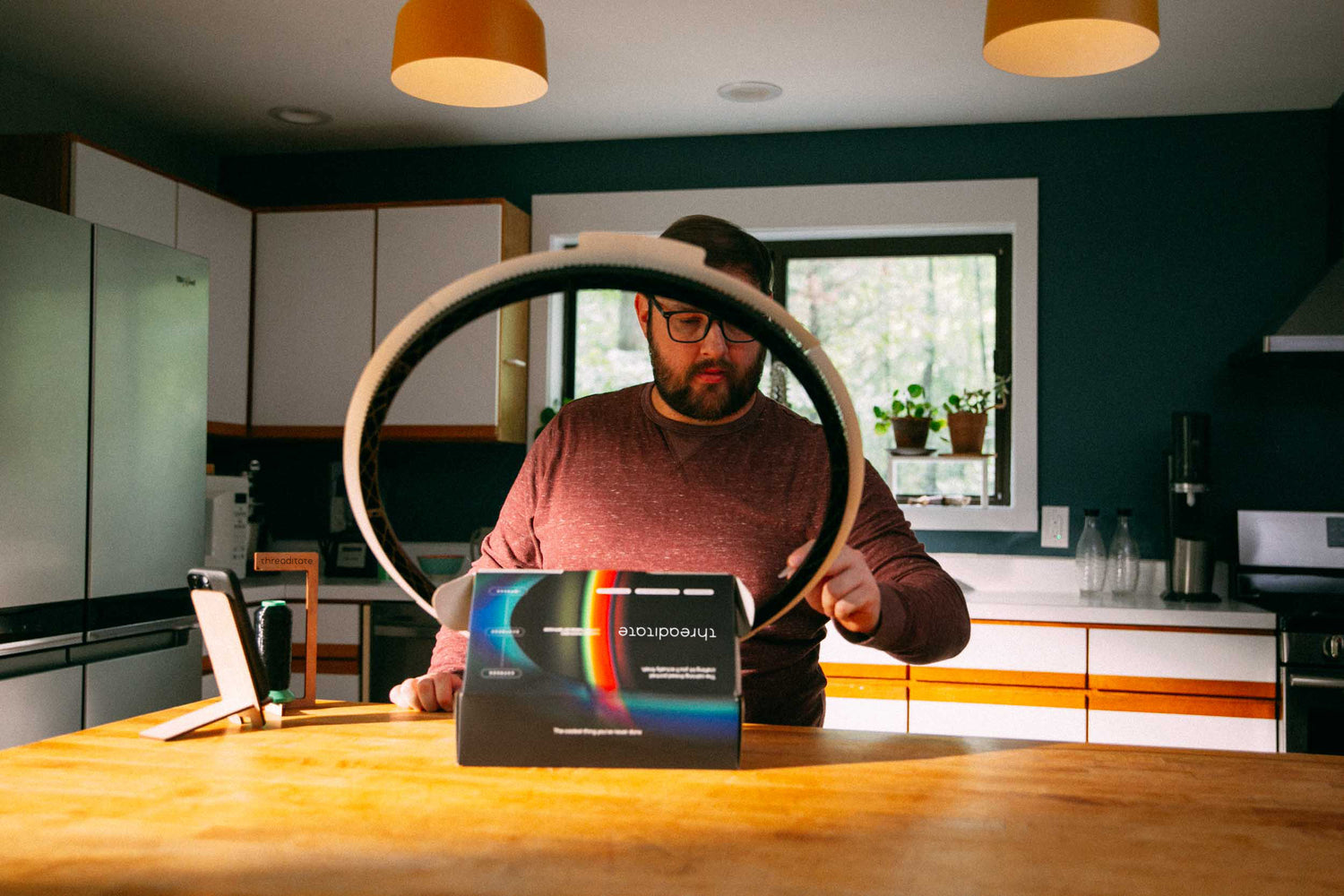
How to Threaditate
A quick walkthrough of the whole process, from your photo to a finished piece.
Watch the whole process once, then follow along with the app as you thread.
Tips for a smooth first piece
You don't need to rush. This is meant to be enjoyed.
Relaxing pace
Slow it down to enter a calming flow state, or go fast for focus mode. Stim at your own rhythm.
Mistakes are okay
Zero craftsmanship needed. If you lose your place or mess up, just keep going - no undoing required. All errors vanish.
Stay loose
A relaxed mind and hand make the best experience. Take a break from all tension.
Screen-optional
Set your device down for a while and follow your ears for a satisfying break from scrolling.
Frequently asked questions
A few quick answers before you begin. The full list is just a tap away.
No, just upload to the Threaditate website and watch the string art generate in your own hands. Edit the image and crop it just how you like, then click begin for your pattern to begin announcing. It's all in your hands!
None at all. The app guides you through every step, one line at a time. If you can follow numbers, you can make a Threaditate.
Yes, although some photos look better than others. Try lots to learn what makes for the best thread art! Crisp portraits and close-ups with clear contrast and plain backgrounds come out best, since the app reads light and shadow. We built a menu stacked with editing features to fine tune your masterpiece. Make it just how you want the finished piece, then begin!
Most pieces take 5 to 8 hours, depending on the line count. The app saves your place after every line, so you can take breaks and go at your own pace.
Forget it and just keep going. They will disappear as you keep going. If you lose your place, just continue with the next step. Countless mistakes blend right into the finished piece, so there is no need to hit the back button ever.